
For any business with an online presence, understanding website performance is critical. Google Analytics is the ultimate tool for tracking traffic, user behavior, and conversions. Learning how to use Google Analytics effectively allows marketers to make data-driven decisions that fuel growth. This guide covers the essentials for beginners and actionable tips for optimizing your website in 2025.
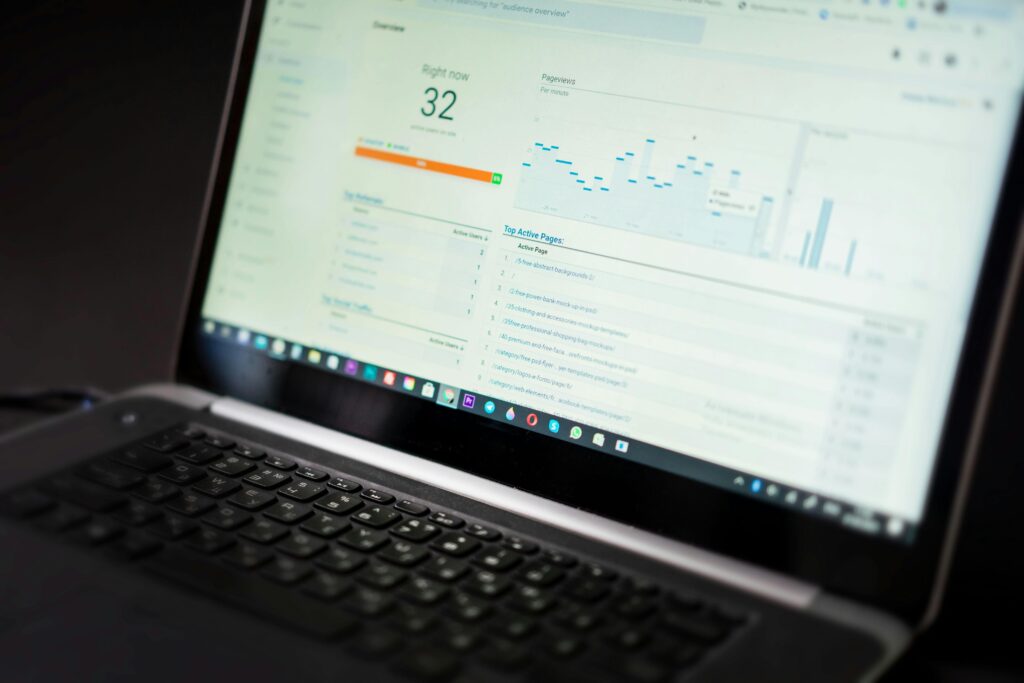
1. Setting Up Google Analytics
Before you can track your website, you need to set up Google Analytics properly.
Steps:
- Create a Google Analytics account.
- Add your website as a property.
- Install the tracking code or connect via Google Tag Manager.
- Set up goals to measure conversions (e.g., form submissions, purchases).
Tip: Use Google Analytics 4 (GA4) for the latest features and reporting.
2. Understanding Key Metrics
Google Analytics provides a wealth of data. Focus on metrics that directly impact growth.
Important Metrics:
- Users & Sessions: Number of visitors and their activity
- Bounce Rate: Percentage of visitors leaving quickly
- Average Session Duration: How long users stay on your site
- Traffic Sources: Where visitors come from (organic, social, paid, referral)
- Conversions & Goals: Actions that drive revenue or leads
H3: How These Metrics Help Growth
- Identify which pages perform best and which need improvement
- Optimize marketing campaigns based on traffic sources
- Enhance user experience to reduce bounce rate
3. Tracking User Behavior
Understanding how users interact with your site is essential for improvement.
Tools & Reports:
- Behavior Flow: See the path users take through your website
- Pages & Screens Report: Track which pages are most popular
- Event Tracking: Monitor clicks, downloads, video plays, and other interaction
4. Segmenting Your Audience
Not all visitors are the same. Segmenting helps target content and marketing efforts more effectively.
Segmentation Ideas:
- Demographics (age, gender, location)
- Traffic source (organic search, social media, referral)
- Device type (desktop, mobile, tablet)
- New vs. returning visitors
Benefits:
- Personalized marketing strategies
- Improved targeting for ads and campaigns
- Better content planning
5. Setting Goals and Measuring Conversions
Goals in Google Analytics allow you to track key business actions.
Steps to Set Goals:
- Go to Admin > Goals > Create New Goal
- Choose a goal type: destination, duration, pages/screens per session, or event
- Define the goal details (e.g., thank-you page URL for form submission)
Tip: Monitor conversion rates regularly to identify bottlenecks and improve your sales funnel.
6. Using Reports to Drive Growth
Reports in Google Analytics help make informed decisions.
Key Reports:
- Acquisition Report: Understand how visitors find your site
- Behavior Report: Track what users do on your site
- Conversion Report: Measure goals and e-commerce performance
- Real-Time Report: Monitor live activity to test campaigns
Conclusion
Learning how to use Google Analytics is essential for website growth. By tracking key metrics, analyzing user behavior, segmenting your audience, setting goals, and leveraging reports, you can make data-driven decisions that improve traffic, engagement, and conversions. Start using Google Analytics today to transform your website into a powerful growth engine.